

Resonant Melody
Experience the ringing melody of tuned percussion with Bloom Ensemble Mallets, the latest ensemble instrument in the Bloom series. It turns loops, one-shots and phrases into a mallet instrument that's ready to play.
Bloom Ensemble Mallets is built from a rich collection of pianos, vibraphones, marimbas, glockenspiels and bells. Play anything from solo voices to high-energy sequences and full ensemble stacks. It brings organic melodic movement to electronic, ambient, downtempo and cinematic music where every note adds shimmer and depth.
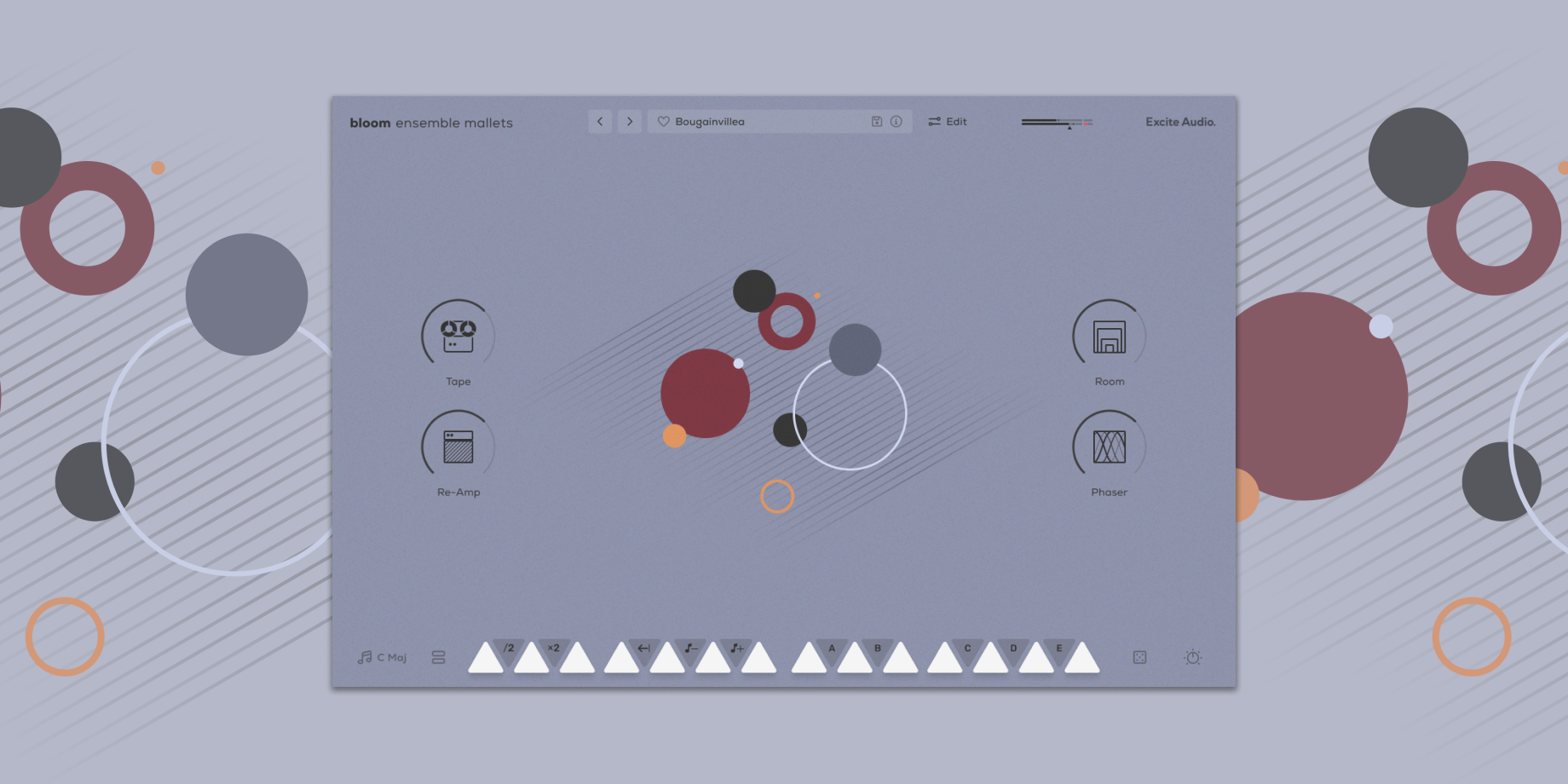

Inspired by artists like Pantha Du Prince, Four Tet, Bonobo and Floating Points, it bridges modern production and tuned percussion. Whether you're building delicate motifs, bouncing hooks or wide soundscapes, it's a fast, expressive route to mallets that feel alive.
What Can Ensemble Mallets Do?
Bring resonant ensemble mallets into any track.
Kickstart ideas with instant melodic layers and tonal palettes.
Add motion with struck rhythms and pulsing patterns.
Sculpt your sound with 3 effects and 4 performance macros.
(New!) Allow you to import your own samples and personalise the instrument.
Sound Sources
Excite Audio's team of professional sound designers and producers created over 250 presets, organised into 7 categories:
Full Ensembles (FE) - Full mallet ensembles with Piano, Vibraphone, Marimba, Glock and Bells.
Experimental (EXP) - Abstract, unique, sound design-focused presets.
High Energy (HI) - High energy sequences suitable for upbeat, faster or more intense productions.
Low Energy (LO) - Low energy sequences suitable for slower tempo, cinematic or atmospheric productions.
Melodic (MLD) - Melodies built from samples pitched in a scale across 2 octaves.
Solo (SO) - Presets built from one single voice (Piano / Vibraphone / Marimba / Glock / Bells).
Textures (TX) - Textural mallet sequences to sit in the background of a track.
How it Works
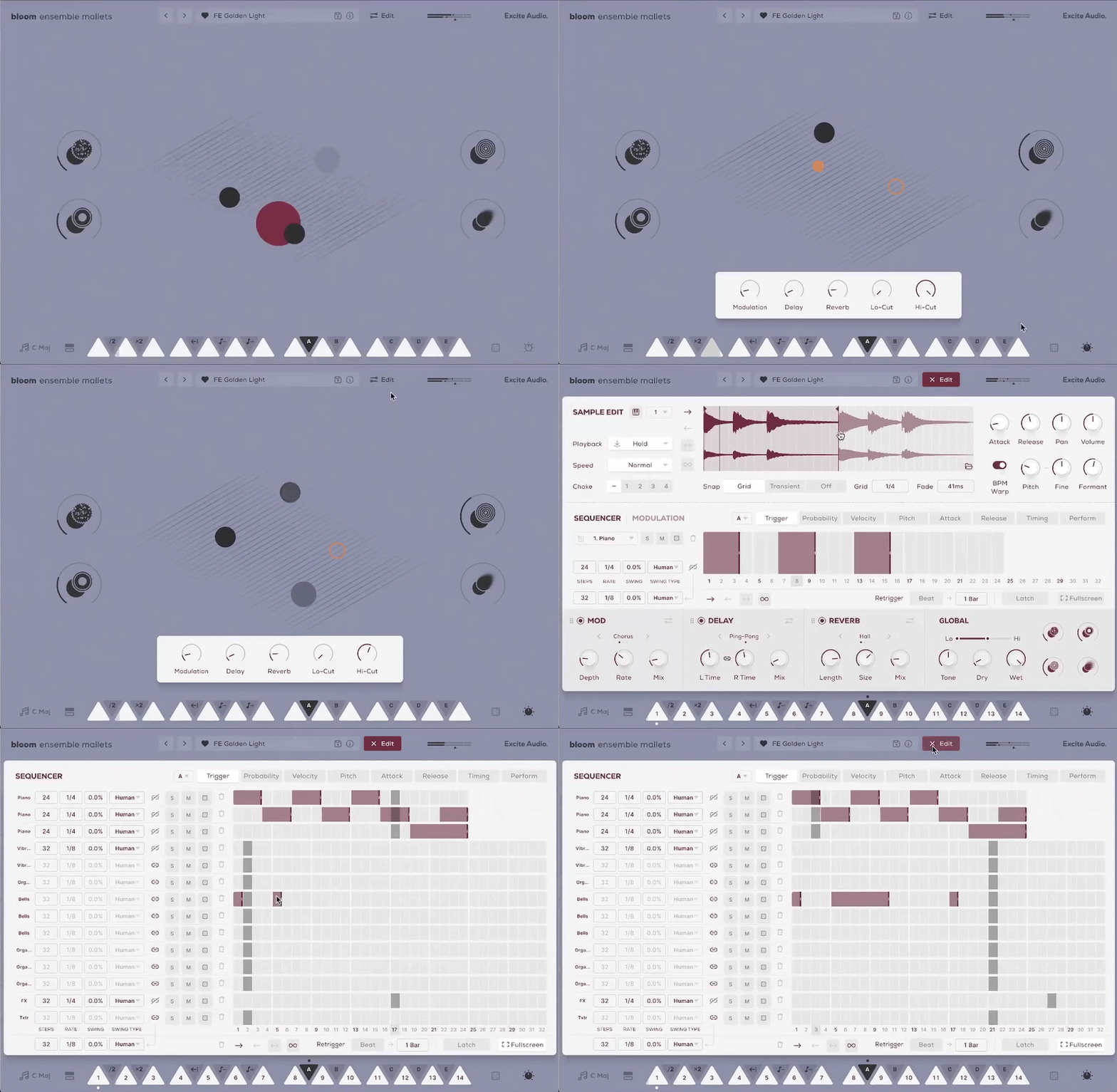
Stay in the creative flow on the Main Page - trigger individual sounds with white notes and launch phrases or tweak properties with black notes. Four powerful macros, let you shape your sound, while a range of 250 presets get you moving fast.
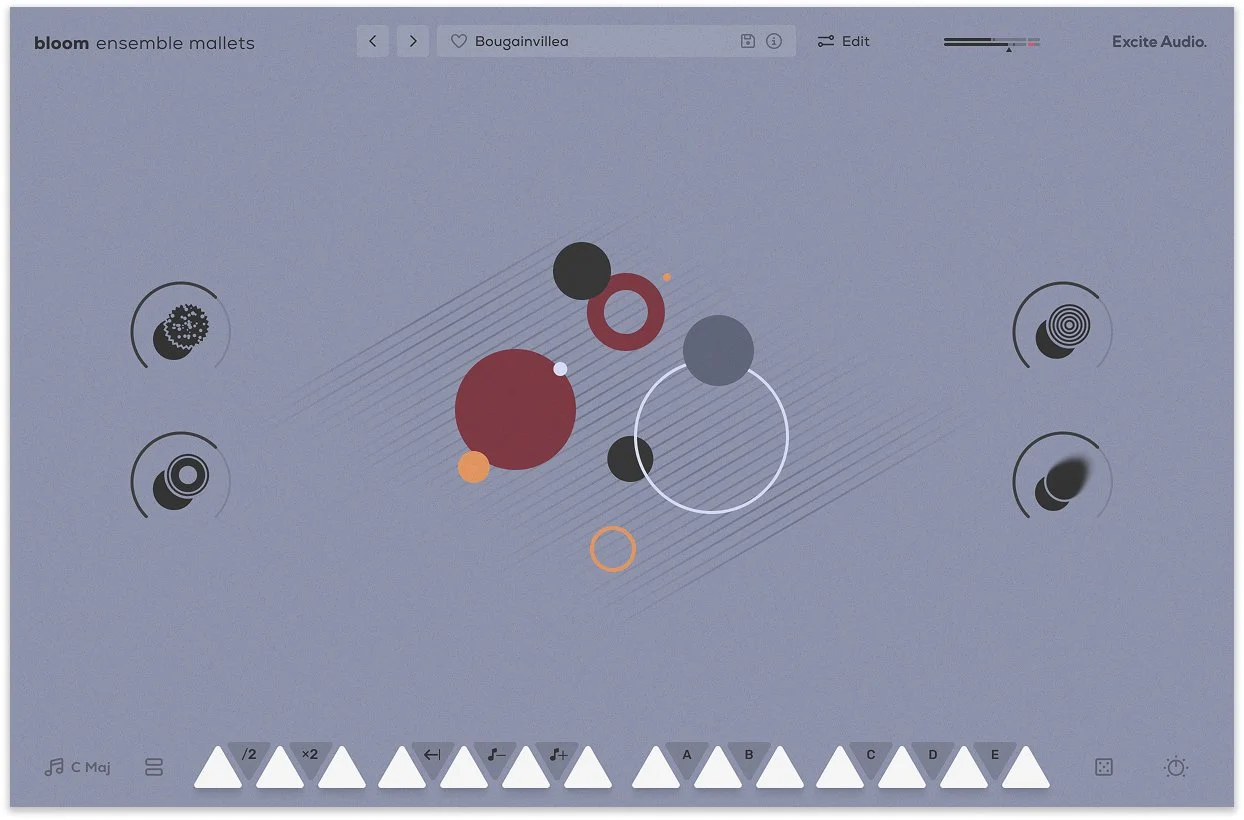
The Main Page
There are eight banks of sounds to choose from, organised into easy-to-find categories. Swap sounds by loading a new bank or dragging individual samples onto the 14 white notes for instant variation.
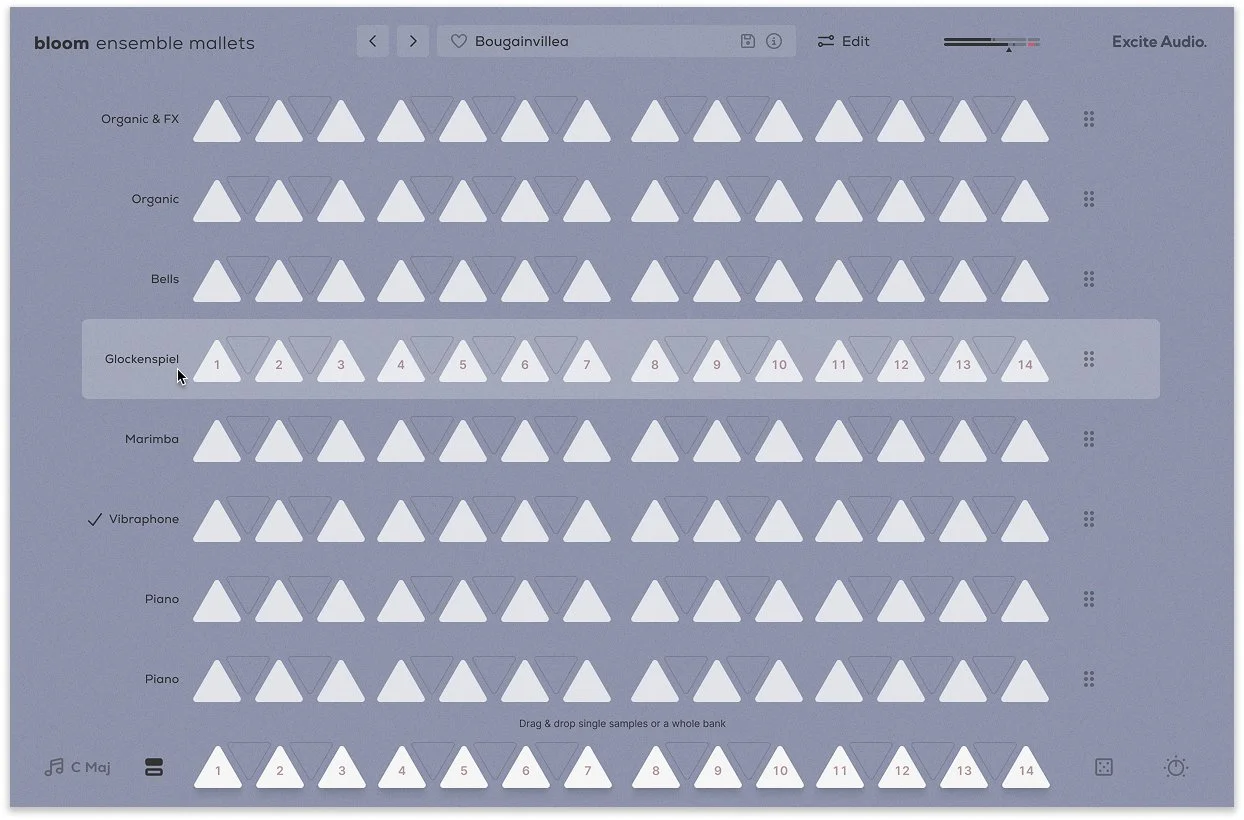
Audition and Load Samples & Banks
The Edit Page: Shape Your Sound
For those who want to go deeper, programming entire sequences, chopping up hits and loops and using custom samples, it’s all unearthed in the Edit page. Bloom Ensemble Mallets’ Edit Page houses parameters like playback type and direction, attack and release, pitch and panning and everything else you’d expect in a modern sampler.
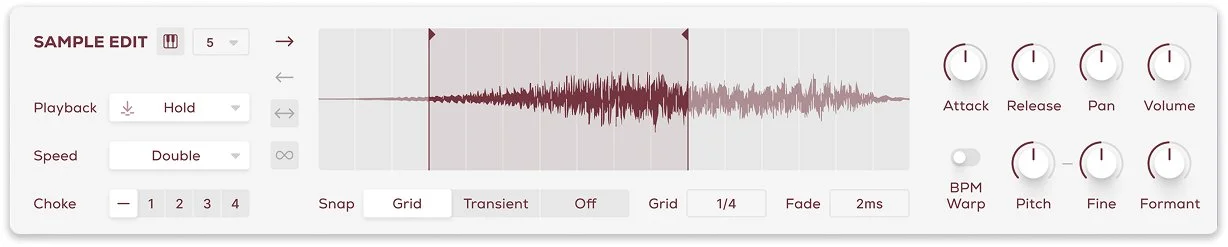
The Sample Edit Section
Adding your own samples to use as sources in Bloom Ensemble Mallets is perfect for those who want to put their personal stamp on the Bloom engine. Drag and drop an audio file onto the sample display in the Main Page to replace the existing sample.
Unlike traditional sequencers, the Bloom Sequencer is designed for triggering and layering one-shots and looping sequences, allowing for endless rhythmic creation. In the modulation section, automate pitch, volume, and filter settings as well as three effects to add depth and dimension to your music.
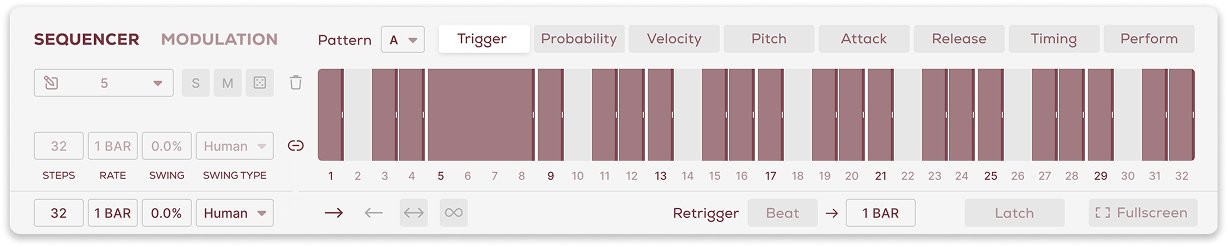
The Sequencer Section
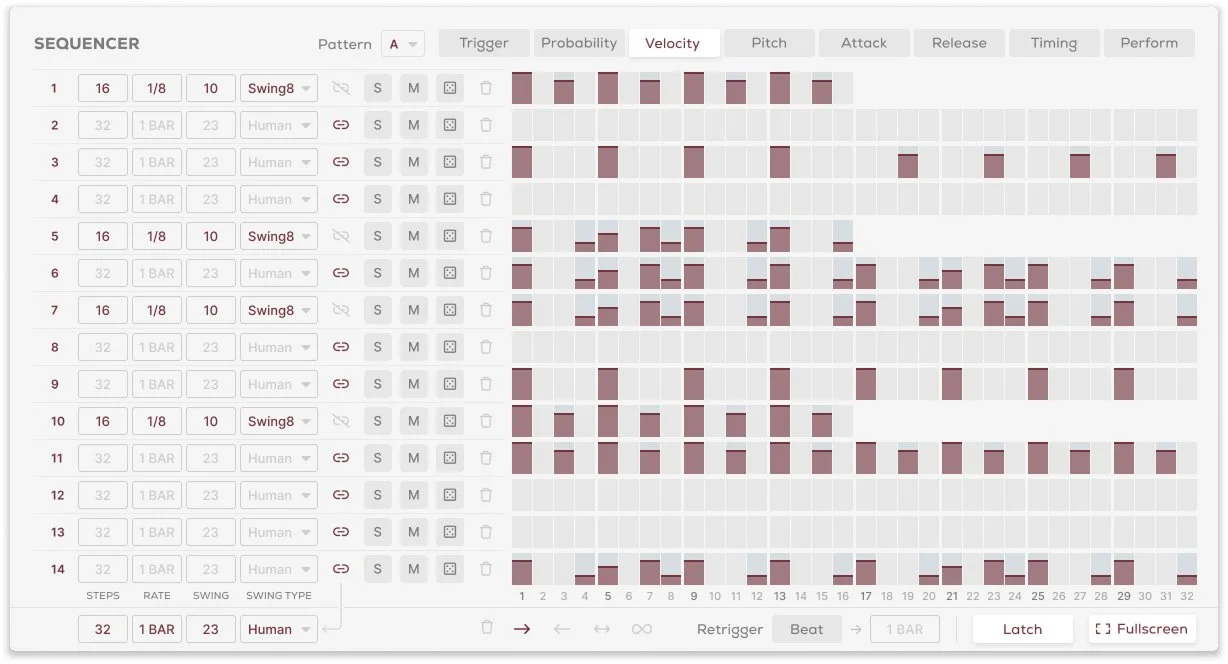
Sequencer in Fullscreen Mode
In addition to high-pass and low-pass filtering, three effects await you in the Edit page. Modulation provides movement and vintage drift to your sounds. Reverb adds depth to sounds with characterful Plate, Hall, or Spring types and Delay provides rhythmic echoes and stereo width.

Effects Section
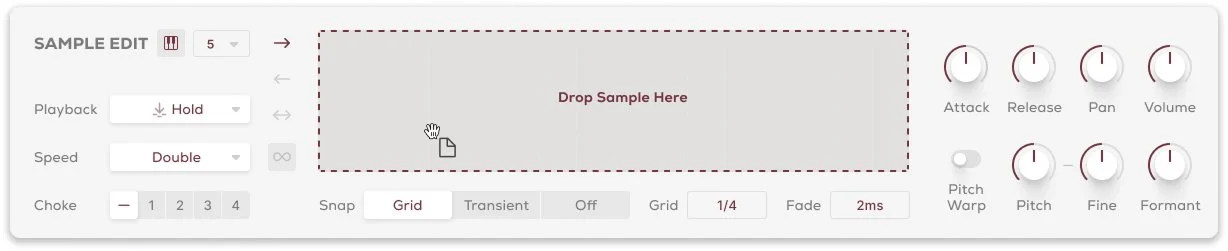
Sample Import
Features
14 Sample Keys
5 Factory Modifiers: Half-time, Double-Time, Reverse, Octave Down, Octave Up
5 Custom Modifiers for Triggering Sequences
8 Sample Banks / 112 Samples
Samples Synced to Host BPM
Key Selection
Sample Randomise
4 Macros: Age, Lo-Fi, Bounce, Smudge
5 Main FX Parameters: Reverb, Delay, Modulation, Lo-Cut, Hi-Cut
Global Bypass
250 Presets
Import up to 112 of your own samples (these can be swapped at any time)
Edit Page - Sample Edit
Waveform Display
Playback Direction: Forwards, Backwards, Pendulum, Loop
Playback Modes: Hold, Latch, Relative
Playback Speed: Normal, Double, Half
4 Choke Groups
Start / End Markers with Snap to Grid, Snap to Transient
Sample Crossfade, Attack, Release, Pan, Volume
Sample Pitch, Fine, Formant, Pitch Warp
Edit Page - Sequencer
Sample Mode for triggering sequences
FX Modulation: Dynamics, Delay, Reverb, Lo-Cut, Hi-Cut, Pitch, Volume
Playback Direction: Forwards, Backwards, Pendulum, Loop
Sample / Modulation Randomise
Global / Track Step Rate, Sync, Swing, Steps, Latch, Beat Retrigger controls
Track Trigger, Velocity, Probability, Attack, Release, Timing and Perform
Edit Page - FX
3 Rearrangable Effects: Modulation, Reverb, Delay
Reverb Modes: Plate, Hall, Spring
Reverb Parameters: Length, Size, Mix, Pre-Delay, Duck, Lo-Cut, Hi-Cut, Input, Output
Delay Mode: Stereo, Ping Pong
Delay R/L Time, Sync Time, R/L Link, Mix, Feedback, Duck, Lo-Cut, Hi-Cut, Input, Output
Modulation Mode: Chorus, Vibrato, Flanger
Modulation Depth, Rate, Sync Rate, Mix, Shape, Feedback, Input, Output
Modulation Shape: Sine, Triangle, Inverted Triangle, Random
Global Lo-Cut, Hi-Cut, Tone, Dry, Wet

System Requirements
macOS
macOS 10.15 or higher (Intel / Native Apple Silicon supported)
Plugin Formats: VST, VST3, AU, AAX, Standalone
DAW's Supported: Ableton Live, Pro Tools, Logic Pro, FL Studio, Cubase, Nuendo, Reaper, Reason + more.
Compatibility: 64-bit compatible only
Windows
Windows 7 or higher
Plugin formats: VST, VST3, AAX, Standalone
DAWs supported: Ableton Live, Pro Tools, Logic Pro, FL Studio, Cubase, Nuendo, Reaper, Reason + more.
Compatibility: 64-bit compatible only